Connect Server4Agent to your AI assistant, editor, or CLI
Server4Agent speaks the Model Context Protocol, so any AI assistant or agent framework that supports MCP can connect to it: AgentX, Claude, ChatGPT, Muse, Grok Bot, Cursor, VS Code, Codex CLI, GitHub Copilot, Grok Build, Gemini CLI, and anything else that speaks the protocol. Drop one config block into your client and your agent gets a persistent server in a single connection.
Chat and desktop
Editors
Command line
Anywhere else
Claude
One-click connect: add the custom connector, then sign in. No API key to copy.
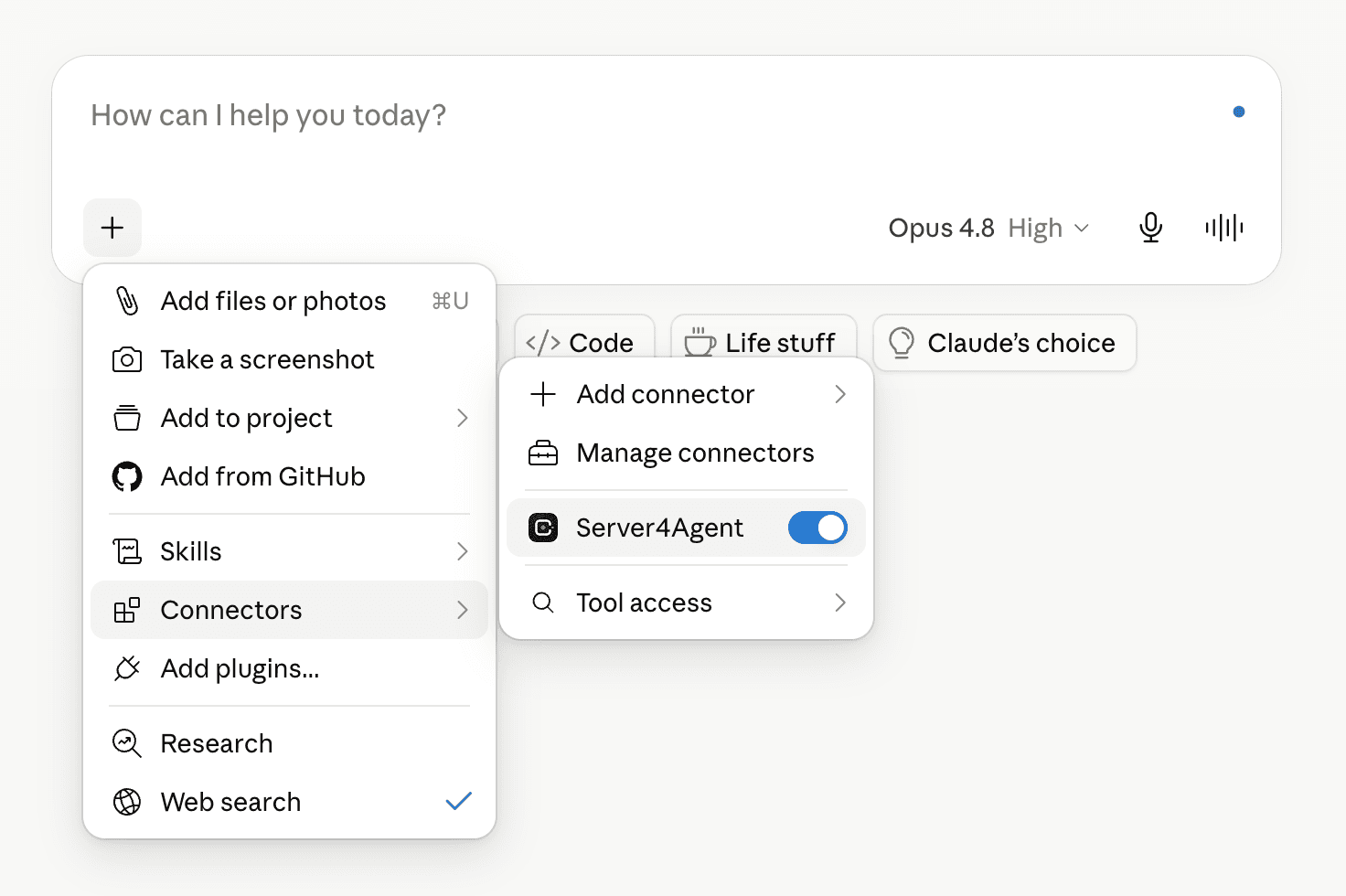
https://mcp.server4agent.comThe endpoint is the same everywhere: https://mcp.server4agent.com. Pick your client above, or use the raw JSON with any MCP-compatible host.
From config block to a live URL
The flow is the same in every host; only where you paste the config changes.
Step 01
Create an API key
Generate a scoped key in the dashboard. It authenticates your agent to Server4Agent and is revocable at any time.
Step 02
Add the MCP server
Paste the config block into your client's MCP settings and swap in your key. One endpoint, no glue code.
Step 03
Let your agent build
Your agent now has Server4Agent's tools natively. It provisions a server, writes the code, runs it, and ships a live URL.
One connection, the full toolset
MCP is host-agnostic on purpose. Whatever client your agent runs in, the same Server4Agent tools show up, so you wire it once and the agent does the rest.
What you get
- ▸Provision and control persistent servers as native tools
- ▸A single prompt tool the on-server agent plans and executes
- ▸Shell, file, build, and deploy primitives the agent can reach for
- ▸Scoped, individually revocable API keys per client
Ready to wire up your agent?
Create a key, paste the config, and your agent has a server it can build on. The full schema and tool reference live in the MCP docs.