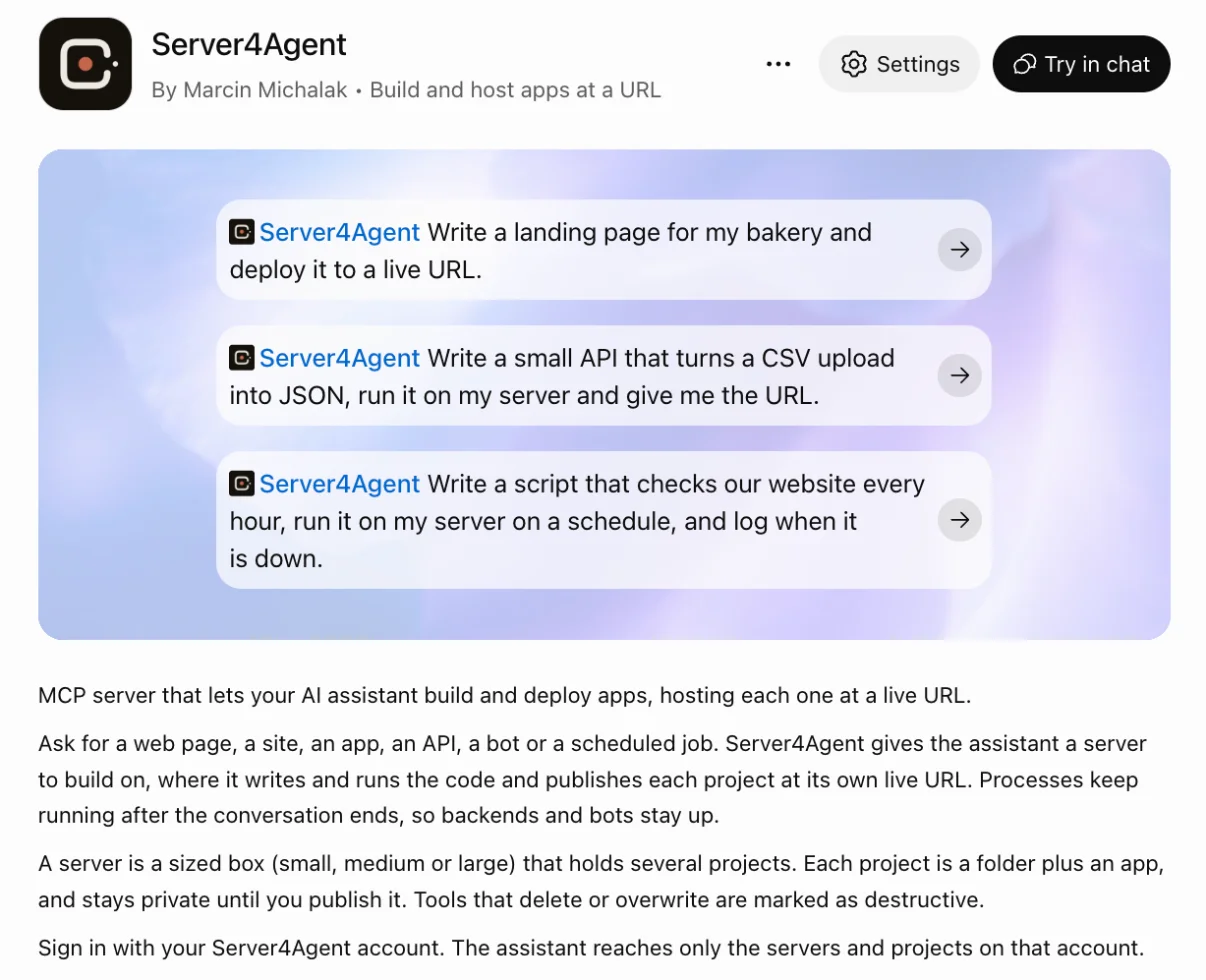
Server4Agent is now listed in ChatGPT's plugin directory. Until now, connecting it meant switching on developer mode and adding a custom MCP server by hand. Now you search for Server4Agent, add it, and sign in.
Once it is added, ChatGPT can do more than hand you code. It gets a server of yours to build on, writes and runs the code there, and replies with a link. The app keeps running after the chat ends, so a site stays up, an API keeps answering and a bot keeps replying.
This post covers how to add it, what to ask for first, and what ChatGPT can and cannot do once it is connected.
Quick answer
In ChatGPT, open Plugins, search for Server4Agent, add it, and sign in with your Server4Agent account when ChatGPT opens our page. Or go straight to the listing. No developer mode and no API key. Then type @, pick Server4Agent, and ask for a page, an app, an API, a bot or a scheduled job. ChatGPT builds it on your server and replies with its URL. New projects start private, and you decide when a link opens and to whom.
Key takeaways
- Server4Agent is in ChatGPT's plugin directory, so adding it takes a search and a sign-in. Developer mode is no longer needed.
- ChatGPT writes the code, runs it on your server and publishes it at its own address on
apps.server4agent.com. - What it builds keeps running after the chat ends: sites, APIs, bots and scheduled jobs.
- Every new project is private until you publish it, and you choose the audience: your team, anyone with a password, or everyone.
- In ChatGPT, API keys, secrets and link passwords never go through the chat. You enter them on the dashboard.
Add it in a minute
- In ChatGPT, open Plugins from the sidebar and search for Server4Agent. You can also open its listing directly.
- Add it. ChatGPT opens a Server4Agent page: sign in, or create an account, and click Authorize.
- Start a new chat, type
@, pick Server4Agent, and say what you want built.
To check that it worked, ask: "Which Server4Agent tools can you use?" You should see a list that includes creating servers and projects, writing files, and deploying.
Adding the plugin lets ChatGPT reach the servers and projects on your Server4Agent account and nothing else. You can disconnect it in ChatGPT's settings, or revoke the sign-in from your Server4Agent dashboard. In a work workspace, an admin may need to allow the plugin before you can add it.
Your first request
Start with something small enough to finish in one go. The listing suggests three, and each one exercises the whole loop:
Write a landing page for my bakery and deploy it to a live URL.
Write a small API that turns a CSV upload into JSON, run it on my server and give me the URL.
Write a script that checks our website every hour, run it on my server on a schedule, and log when it is down.
If you have no server yet, ChatGPT creates a small one first, which takes about a minute. After that it writes the files, starts the app, publishes it, and sends you the link. Open it, then ask for the change you actually want: "make the hours bigger", "add a contact form", "send the CSV errors back as a list". Each change lands in the same project, at the same URL.
What happens behind the reply
You never have to name a tool, but it helps to know what ChatGPT is doing when it says it is working:
| You say | ChatGPT calls | What happens |
|---|---|---|
| "Put this page online." | create_project, write_file, start_app, deploy | Creates a project, writes the files, starts the app, makes it public and returns the URL. |
| "What do I have running?" | list_servers, list_projects | Lists your servers and every project with its visibility and URL. Changes nothing. |
| "Add a contact form to the bakery page." | read_file, write_file, start_app | Edits the same project in place. The link does not change. |
| "Install the packages it needs." | exec | Runs the command on your server, the way you would in a terminal. |
| "Share it with my team only." | update_project | Opens the link to signed-in members of your account, and nobody else. |
| "Why is it showing an error?" | get_logs | Reads the app's logs so ChatGPT can find and fix the problem. |
| "Have the server's agent build it." | prompt, get_run | Hands the brief to an agent that runs on your server and checks on it until it finishes. This one spends your AI credits. |
| "How much have I used this month?" | get_usage | Reports usage next to your plan's limits. |
By default ChatGPT writes the code itself, so a build runs on your server and spends none of your AI credits. The on-server agent is there for when you ask for it. The full list of tools, with every argument, is on the MCP docs page.
Keys and passwords stay out of the chat
Plenty of apps need a secret: a payment key, a bot token, a database password. In ChatGPT, Server4Agent never asks you to paste one into the conversation.
You add the value once on the dashboard's Secrets page. ChatGPT can then see the secret's name, never its value, and attach it to a project by name: "use my STRIPE_KEY secret for the checkout page." The same goes for a password on a project's link, which you set on the project's page in the dashboard. Your conversation history never holds a credential.
Guardrails that come with it
Private until you say so. Every new project is built and running but not reachable from the internet. Publishing is a separate step, and you choose who can open the link: your team only, anyone with a password, or everyone. The address stays the same as you widen the audience. More in private by default and sharing a tool with your team, not the public.
A budget cap you set. Set a monthly cap on the billing page. When usage reaches it, new work pauses until you raise it, and ChatGPT cannot raise it for you. How credits and budget caps work has the details.
Destructive tools are marked. Tools that delete or overwrite something are labeled that way, and the plugin's instructions tell ChatGPT to confirm with you before it uses one.
A real workspace underneath. Every link is backed by real files, logs and history on your server. If a tool grows into something your team depends on, a developer can open the project and carry on, or export it and take it elsewhere.
Already connected through developer mode?
A custom MCP server you added earlier in developer mode keeps working. It reaches the same Server4Agent account, so nothing you built is lost. With both added, though, you may see Server4Agent twice when you type @. Once the plugin is added, you can remove the old connector and turn developer mode back off if nothing else needs it.
Using another assistant too?
Projects belong to your Server4Agent account, not to the app that created them. Someone on your team can start a tool in ChatGPT and a colleague can change it from Claude or Cursor, at the same URL. The integrations page has the steps for each app, and the team guide shows how it works with roles.
FAQ
Do I still need developer mode?
No. Server4Agent is in ChatGPT's plugin directory, so you add it like any other plugin. Developer mode was only needed for the old way of adding it as a custom MCP server.
Do I need an API key?
No. Adding the plugin opens a Server4Agent sign-in in your browser, and that is the whole setup. Keys only matter for apps without that sign-in, and for the SDKs.
What does it cost?
Server4Agent has a Free plan with one small server and one public project, which is enough to try the whole loop. Paid plans add more public projects and your own domain, and the larger ones add more and bigger servers. See pricing.
Can ChatGPT see my API keys or passwords?
No. In ChatGPT, secret values and link passwords are entered on the Server4Agent dashboard. ChatGPT only sees a secret's name, and attaches it to a project by that name.
Does the app stop when I close the chat?
No. ChatGPT only sends the requests. The app itself runs on your Server4Agent server and keeps answering at its URL after you close the chat.
ChatGPT says it published something, but the link does not open. Why?
If ChatGPT built it but did not publish it, the project is still private, which is the default. Ask ChatGPT to publish it, share it with your team, or put it behind a password. If it is public and still does not answer, ask ChatGPT to check the logs.
Can I put it on my own domain?
Yes, on a paid plan. Ask ChatGPT to connect your domain and it returns the two DNS records to add. Put your app on your own domain walks through it.
Related reading
- Best MCP servers to deploy an app from ChatGPT or Claude
- The non-technical guide to shipping real tools from chat
- The first tool you should ask your AI assistant to build
- How to host a Discord bot your AI assistant wrote
- Connect ChatGPT to Server4Agent